
Software
Here you can find a list of download options for LCN software products
LCN-PRO+ 2.1.5
PC program for setting up the modules
The new LCN-PRO+ is a full version that can also be used as an update. Simply run the self-installing msi file. The files contained therein will be automatically extracted to the directory “C:\Program Files (x86)\LCN-PRO+”; when updating, the correct path will be used automatically. To use LCN-PRO+, you will need a new key, which you can purchase from our web shop at webshop.lcn.eu.
Version LCN-PRO+ 2.1.5
When installing version 2.1.3 for the first time, a problem could occur when launching the software. This issue is fixed in version 2.1.5.
New features
- Support for LCN-KE access control
- DALI commands for direct ECG control
- Automatic PRO+ updates
Improvements & fixes
- Various LCN-TD4 improvements / extensions
- GTxD timer extended
- Bus monitor shows light scenes and more
- Control of outputs on modules from before 1999
- Fetch measured values from other modules
- Entering/saving group names (PKU2)
- Improvements to the PDF project documentation
- Tunable White commands
- Variables: units can now be saved manually
- Many further fixes
LCN-PCHK
Network coupling program for LCN-PRO/LCN-GVS or external coupling
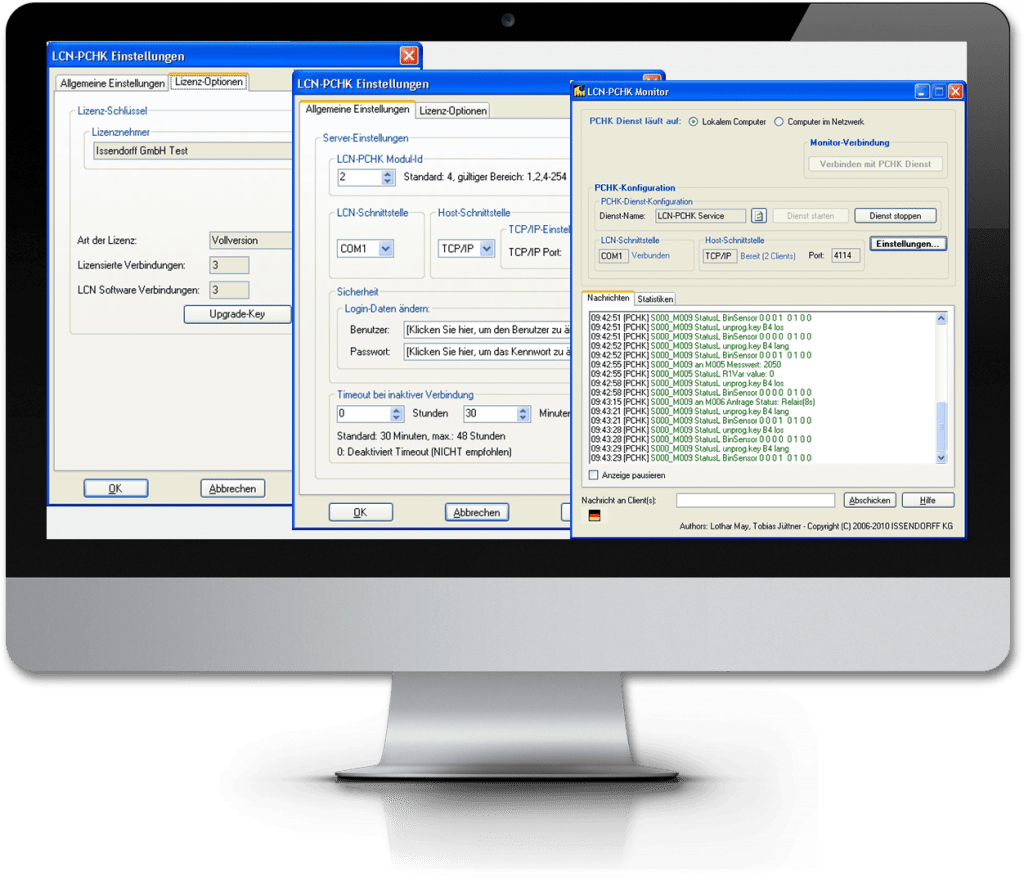
This program turns the PC into a host coupler, a link between the LCN bus and the user software. Version 2 works as a Windows service: it is already loaded at boot time as part of the operating system. Advantage: The coupling works immediately without the need for a user to log in. This is important, for example, after a power failure. The monitor (operator interface) is launched by the user on demand and allows setting, disabling, control of communication. Opening and closing the operator interface is possible at any time and does not affect the utility program. For more info, see the installation guide.
LCN-PCHK
For Windows
-
- Fingerprints, sent as status message from a LCN GFPS, are now also passed to the external system (=Mssaa.ZFmmnnoo) – also for the Linux versions.
- New function for finding system folders introduced. Now the INI files are back where they are always found – now also for the Linux versions.
Versions
LCN-PCHK Debian
LCHN PCHK for Linux

LCN-GVS
Global visualization system
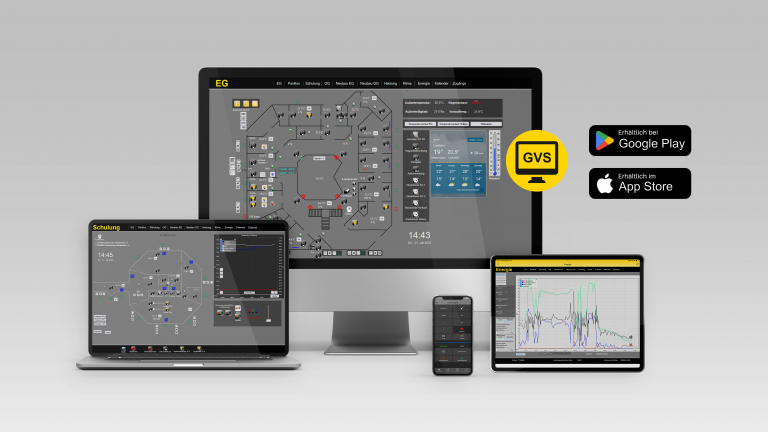
LCN-GVS is the visualization for the user of the buildings. The browser-based technology allows visualization on any device that has a browser – like PC and Notebook, cell phone, etc. Multiple objects can also be visualized, and this worldwide. Thus, modern demands of the users can be easily met. Recommendation: Attend a GVS training course beforehand.
IMPORTANT INSTALLATION INSTRUCTIONS
Before installing to version 5.1.6 please make sure to create a backup.
Version 5.1.6 uses a new method for saving passwords:
Due to the automatic changeover, a direct return to the old version without backup is not possible.
After installation, each user must clear their browser cache once:
Web browser: Press CTRL-F5
>Android app: Management -Login/Logout
Reset and log out
All settings of this app will be deleted from the device -> OK
Do you also want quick tableaus, favorites…. Delete -> yes
Reason: Without deleting the browser cache, the tableau contents can be seen, but no element can be operated.
New features
- Keyless Entry: transponder access action (LCN-KE)
- Staircase light and short-term timer as output actions
- More frequent measured values for 10 minutes when a tableau is opened
- Roller shutter/blind positioning: height and slat-angle sliders (also horizontal), direct positioning via button
Improvements & fixes
- Clearer error pop-ups
- GFPS sync fix; MRS tableau fix
LCN-GVS App
Play Store
The LCN-GVS App in the Google Play Store.
App Store
The LCN-GVS App in the Apple App Store.
With the LCN-GVS app you can experience building control with LCN for free. This app contains a demo access to the LCN building control.

LCN-Service App
LCN-Service App
Now available: The latest version of the LCN Service App in the Store.
Your advantages at a glance:
-
All current LCN installation instructions are integrated and available offline
-
All technical information at a glance
-
Integrated pre-exchange form
-
Improved search function for installation instructions
LCN-Service App
Play Store
The LCN Service App in the Google Play Store .
App Store
The LCN Service App in the Apple App Store .
LCN-GT-Designer
LCN-GT-Designer
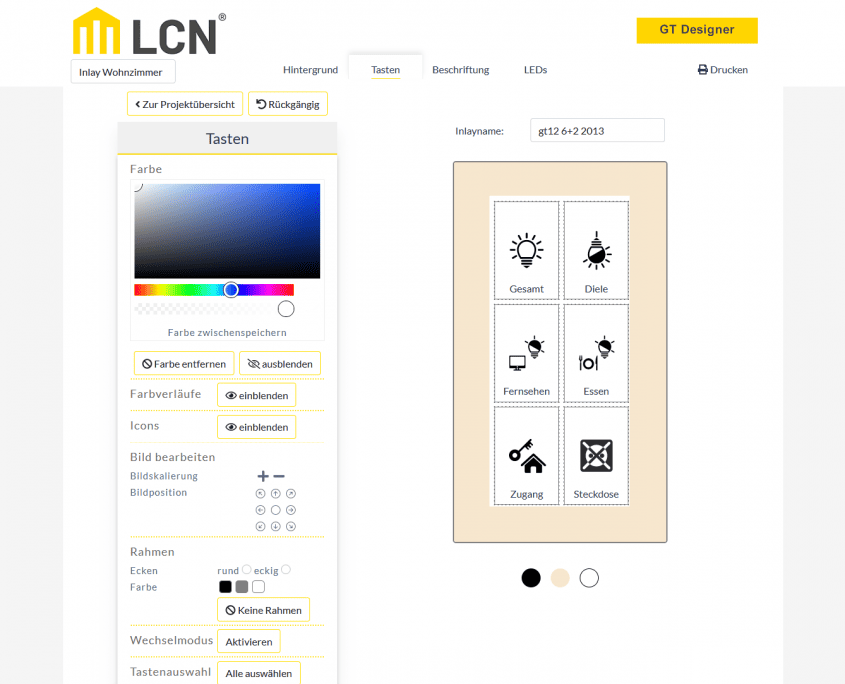
Please click on the icon. The LCN-GT-Designer opens in a new window for better usability.